
 See Our Latest Article on HelloNation
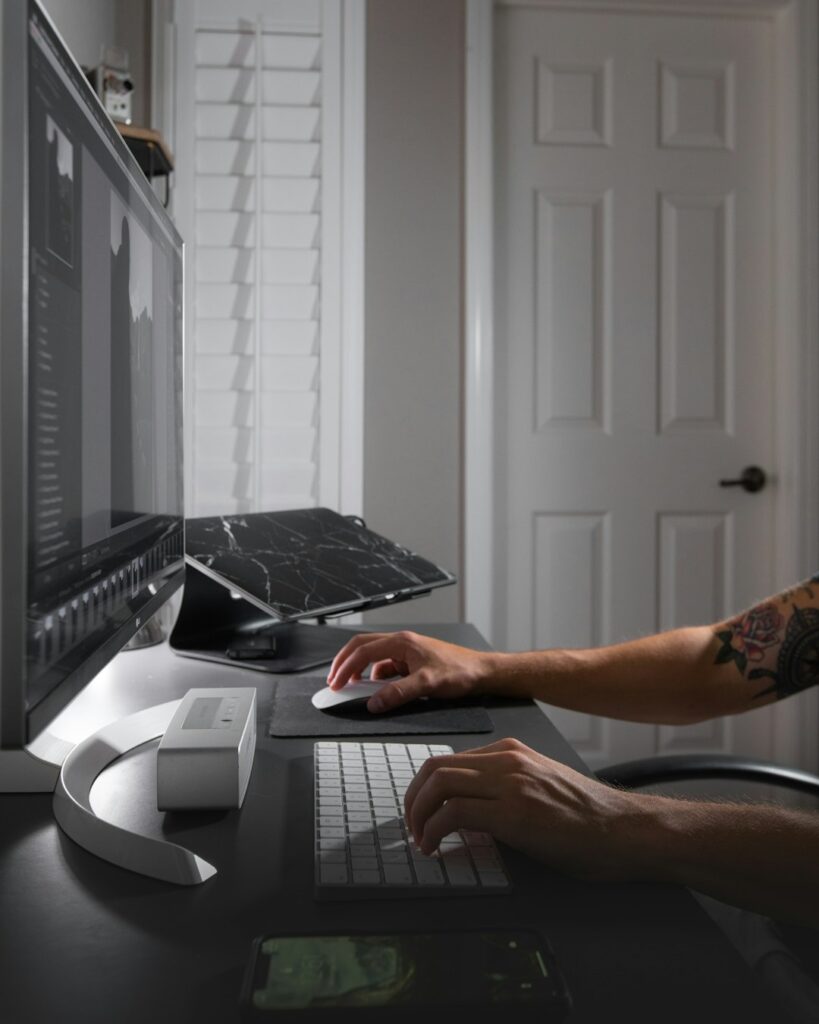
Working from home can make it easier to adjust your environment, but it can also encourage long periods at a kitchen table, couch, or improvised desk. In Fulton, NY, where remote workers may be setting up in older homes, compact rooms, or shared household spaces, posture often depends more on small daily habits than on having expensive office furniture.
Good posture does not mean holding the body rigidly upright all day. It means arranging the body and workstation so the head, spine, arms, and legs remain supported and comfortable while allowing frequent movement.
What does healthy sitting posture look like?
A healthy working position keeps the body relatively balanced without forcing the shoulders back or flattening the lower back. The head should remain generally aligned over the torso, with the eyes directed forward rather than down for long periods.
Aim for these basic positions:
- Keep both feet supported by the floor or a stable footrest.
- Position the knees near hip level, with the thighs supported by the seat.
- Let the shoulders relax instead of lifting or rounding them.
- Keep the elbows close to the body and bent at roughly a right angle.
- Keep the wrists fairly straight while typing or using a mouse.
- Support the lower back with the chair’s backrest or a small rolled towel.
- Sit back far enough that the chair, rather than the muscles alone, supports the trunk.
These guidelines are reference points, not strict rules. People naturally shift, lean, reach, and reposition throughout the day. A comfortable posture that changes regularly is generally more useful than trying to maintain one “perfect” position.
How should a home computer be positioned?
The computer should be arranged around the person, rather than forcing the body to adapt to a poorly placed screen or keyboard. A screen that is too low commonly encourages forward-head posture, while a keyboard that is too far away can cause shoulder tension.
For a desktop monitor, place the screen approximately an arm’s length away. The top portion of the display should be at or slightly below eye level, allowing the eyes to look slightly downward without bending the neck.
If a laptop is used for several hours, raise the screen on a stable platform and use a separate keyboard and mouse. This allows the screen to be higher without requiring the hands and wrists to remain elevated.
The keyboard and mouse should be close enough that the upper arms can stay near the sides. Avoid reaching forward repeatedly, especially during long periods of typing, online meetings, or paperwork.
Glare also affects posture. Bright reflections from windows, snow, or overhead lighting may cause a person to lean toward the screen or twist to see it clearly. Adjust the screen angle, window covering, or room lighting so the display can be viewed without squinting or leaning.
Is working from a couch or bed bad for posture?
A couch or bed is not automatically harmful for brief tasks, but these surfaces make neutral alignment difficult to maintain for extended work. Soft cushions allow the pelvis to sink, while a low screen encourages the head and neck to bend forward.
If a couch is the only available workspace, use a firm cushion or folded blanket to raise the hips slightly, support the lower back, and place the computer on a stable surface rather than directly on the lap. Keep work periods shorter and change positions often.
Beds are generally better suited for short reading or occasional computer use than for a full workday. Working from bed can combine poor neck positioning, limited back support, and reduced movement. A dining table, counter, or small desk may provide a more stable temporary setup, even if it is not a traditional office workstation.
How often should someone move during the workday?
Changing position frequently is just as important as arranging the workstation correctly. Remaining still for hours can make the neck, upper back, hips, and lower back feel stiff even when the sitting posture initially appears reasonable.
Useful movement habits include:
- Stand or walk briefly during phone calls.
- Change sitting position between meetings or tasks.
- Perform a few shoulder rolls and gentle neck movements.
- Stretch the fingers, hands, forearms, and chest.
- Walk to another room while thinking through a problem.
- Alternate between sitting and standing when possible.
- Set a quiet reminder to move every 30 to 60 minutes.
Movement does not need to be strenuous. A few minutes of walking, light stretching, or changing the height of the work surface can interrupt prolonged static loading. During winter, when cold weather or icy conditions may limit outdoor activity, short indoor walking breaks can still help maintain mobility.
What simple exercises can support better posture?

Posture depends partly on workstation setup and partly on strength, mobility, and endurance. Gentle exercises may help the body tolerate desk work more comfortably.
Try the following if they are comfortable:
- Chin retractions: Sit tall and gently draw the head backward, as if making a small double chin. Do not look up or down.
- Shoulder blade setting: Let the shoulders relax, then gently draw the shoulder blades slightly back and down.
- Chest stretch: Place the forearms against a doorway and step forward carefully until a mild stretch is felt across the chest.
- Hip movement: Stand and perform a few slow sit-to-stand repetitions from a stable chair.
- Upper-back extension: Place the hands behind the head and gently lift the chest while keeping the lower ribs relaxed.
These movements should feel controlled and mild. Sharp pain, numbness, tingling, dizziness, or symptoms that travel into an arm or leg are reasons to stop rather than push through.
Can standing desks solve posture problems?
A standing desk can make position changes easier, but standing all day is not a complete solution. Poor standing posture, locked knees, leaning to one side, or working with the screen too low can create different sources of strain.
When standing, keep the screen near eye level, allow the elbows to remain comfortably bent, and distribute weight between both feet. Shift position occasionally, take short walking breaks, and use a supportive surface underfoot if the floor is hard.
The goal is not to replace sitting with uninterrupted standing. The goal is to alternate positions and avoid being fixed in one posture.
What should residents do about persistent pain?
Mild stiffness that improves after movement may reflect prolonged sitting or an awkward setup. Persistent, worsening, or recurring pain deserves closer attention, particularly if it interferes with sleep, work, walking, or normal household activities.
Seek timely medical evaluation for symptoms such as:
- Numbness or weakness in an arm or leg
- Loss of coordination or balance
- Severe or sudden pain
- Pain following a fall or other injury
- Loss of bladder or bowel control
- Fever, unexplained weight loss, or other unusual symptoms
Posture changes may reduce strain, but they are not a substitute for evaluating symptoms that suggest an underlying condition. A useful first step is to photograph the workstation from the side and review whether the screen, elbows, hips, knees, and feet appear reasonably supported. Small adjustments, repeated consistently, can make home-based work more comfortable without requiring a complete office renovation.
